Modern Background Remover
Upload any photo to instantly remove its background with AI-powered precision. Add studio backdrops, edit by hand, and download crisp transparent PNGs in seconds.
Drag & drop your image
or click to browse · select multiple for batch processing
See Clearpic in action
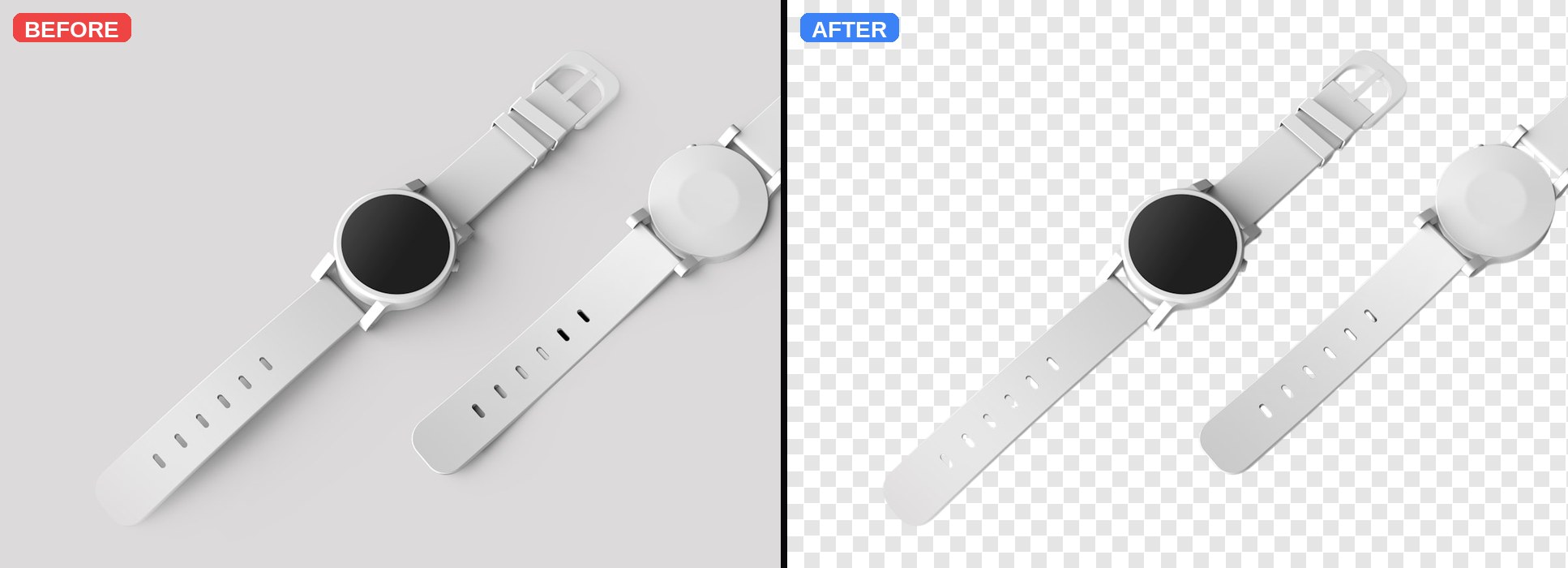
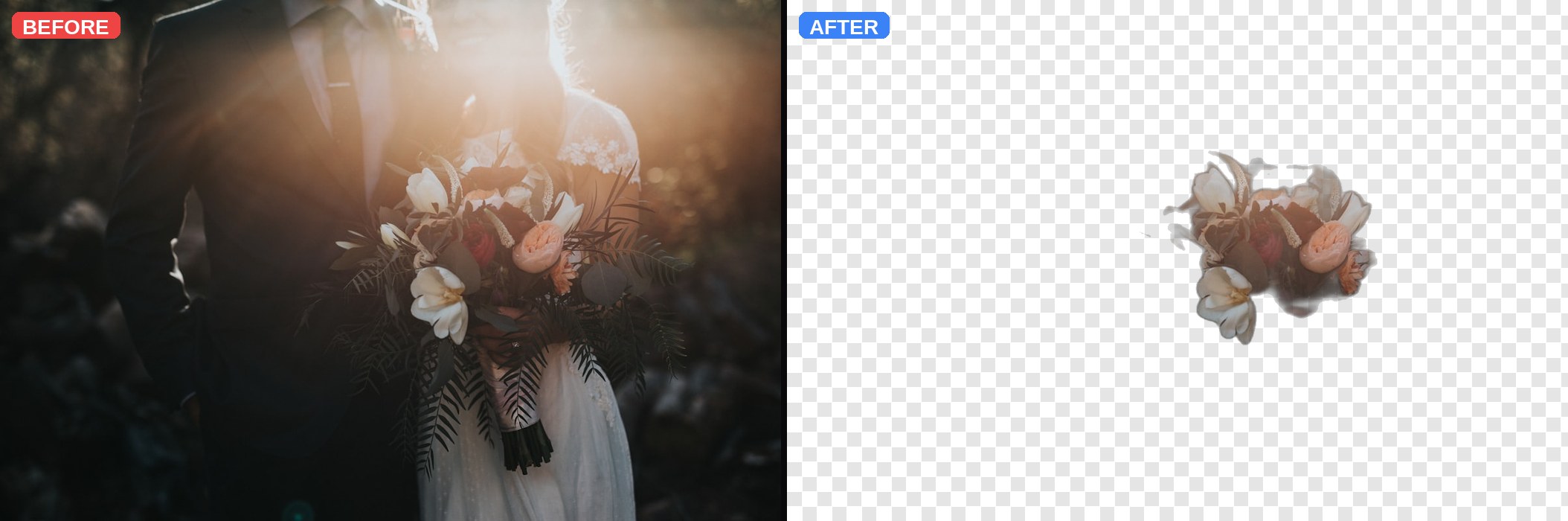
Real photos, real cutouts. The right side of each pair is a live transparent PNG (checkerboard pattern shows the transparency).

How Clearpic works
Three steps. No signup. No downloads.
Upload your image
Drag a JPG, PNG or WEBP into the upload zone (up to 15 MB), or click to browse. Drop multiple files at once for batch processing.
AI removes the background
Your image is sent over HTTPS to a specialized AI segmentation service (Photoroom) that separates the subject from the background pixel-by-pixel.
Download your PNG
Get a full-resolution transparent PNG in about a second, or apply a studio backdrop before downloading. Batch users get a single ZIP.
Perfect for
E-commerce
Product photos on clean backgrounds for Shopify, Amazon and Etsy.
Photography
Isolate subjects from portraits, headshots and studio shoots.
Social Media
Thumbnails and content graphics that stand out on any feed.
Design
Transparent PNG assets ready for banners, decks and mockups.
Marketing
Campaign visuals that sit cleanly on any brand background.
Everything you need for clean images
Automatic background removal
Powered by Photoroom's AI segmentation. Handles hair strands, group photos, product edges, and transparent objects cleanly.
Fast processing
About one second per image for the premium AI, three seconds for the free fallback. Batch mode runs 5 in parallel.
Studio backdrops built in
Six professional presets (Soft Grey, Product White, Sky, Warm Portrait, Dark Studio, Vignette) plus colors, gradients and custom photos.
Manual brush editor
Erase remaining fringes or restore parts of the subject the AI dropped. 20-step undo, adjustable brush size.
Works on any device
Fully responsive — drag files from your desktop, or upload from a phone browser. No app install required.
Privacy-first
We do not permanently store your uploads. No filenames are logged. HTTPS end-to-end. See our Privacy Policy for details.
Latest guides
Practical tutorials on getting the cleanest possible cutouts.
How to Remove Background from Photos Online — Free 60-Second Guide
A step-by-step guide to removing image backgrounds instantly with Clearpic — no signup, no watermark, works on portraits, product shots, and group photos.
Product Photography: Why Every Store Needs Background-Free Images
Transparent PNGs boost conversion rates, look professional on any storefront, and open up creative flexibility. Here is why e-commerce sellers should invest 30 seconds per product to remove the background.
Perfect Portrait Cutouts: 7 Tips for Removing Complex Backgrounds
Group photos, hair strands, saree edges, glass, and glare — the hard cases. Here is how to get pro-level portrait cutouts every time.
Frequently asked questions
Is Clearpic really free?
What image formats are supported?
How does the background removal actually work?
Do you store my uploaded images?
Can I use Clearpic on mobile?
Can I use the results commercially?
Your images stay private
Uploads are transmitted over HTTPS, processed in memory, and streamed back to your browser. We do not permanently store your uploaded files and we do not log filenames. Read our Privacy Policy and Cookie Policy for the specifics.