Batch Background Removal: How to Process 100 Photos in 5 Minutes
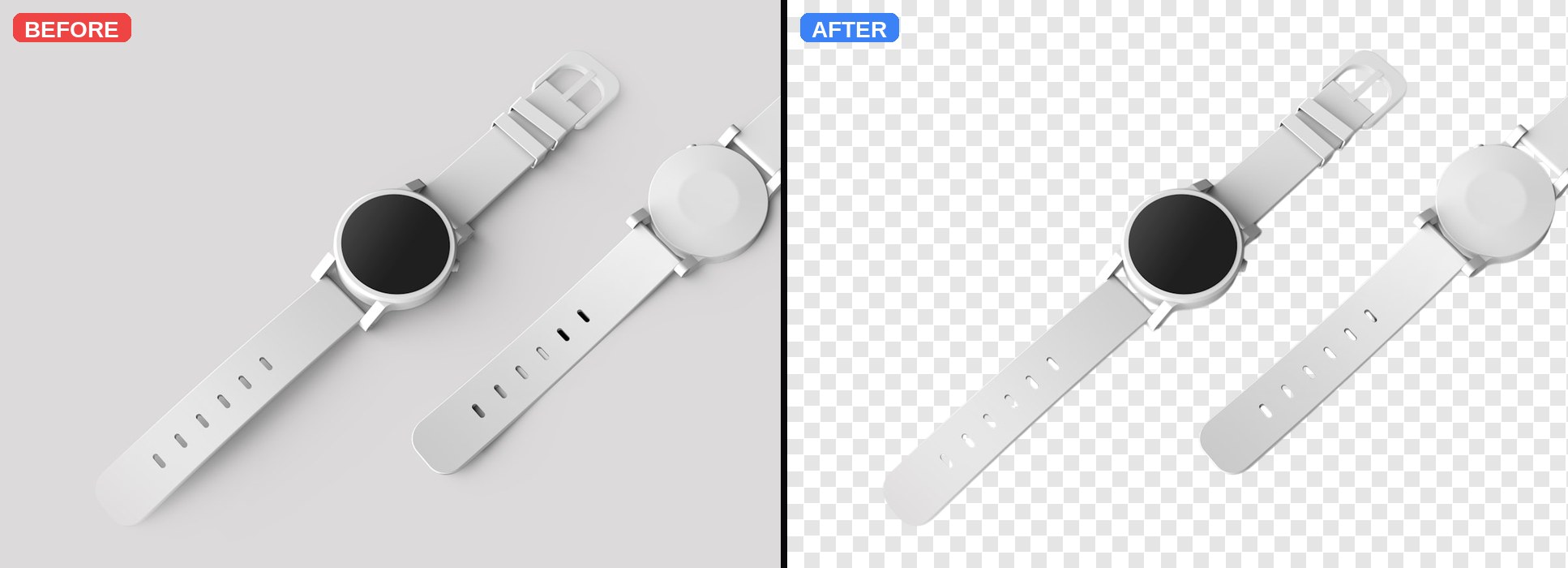
Nobody wants to click Upload 100 times. If you sell products online, run a real-estate site, or shoot events, background removal is a bottleneck — unless your tool handles batches. Clearpic now processes up to 5 images in parallel and lets you download all results as a single ZIP.
The old way: one upload at a time
Even at 3 seconds per photo, 100 uploads means: 5 minutes of processing PLUS 100 button clicks PLUS 100 downloads PLUS someone renaming files. That is easily 30 minutes of tedious work.
The new way: drop them all at once
Open Clearpic, then drag your entire folder of photos onto the upload zone — or click Browse and multi-select. The tool detects multiple files and switches to batch mode automatically. You see a grid, each card shows Queued → Processing → Done with a green check.
How the concurrency works
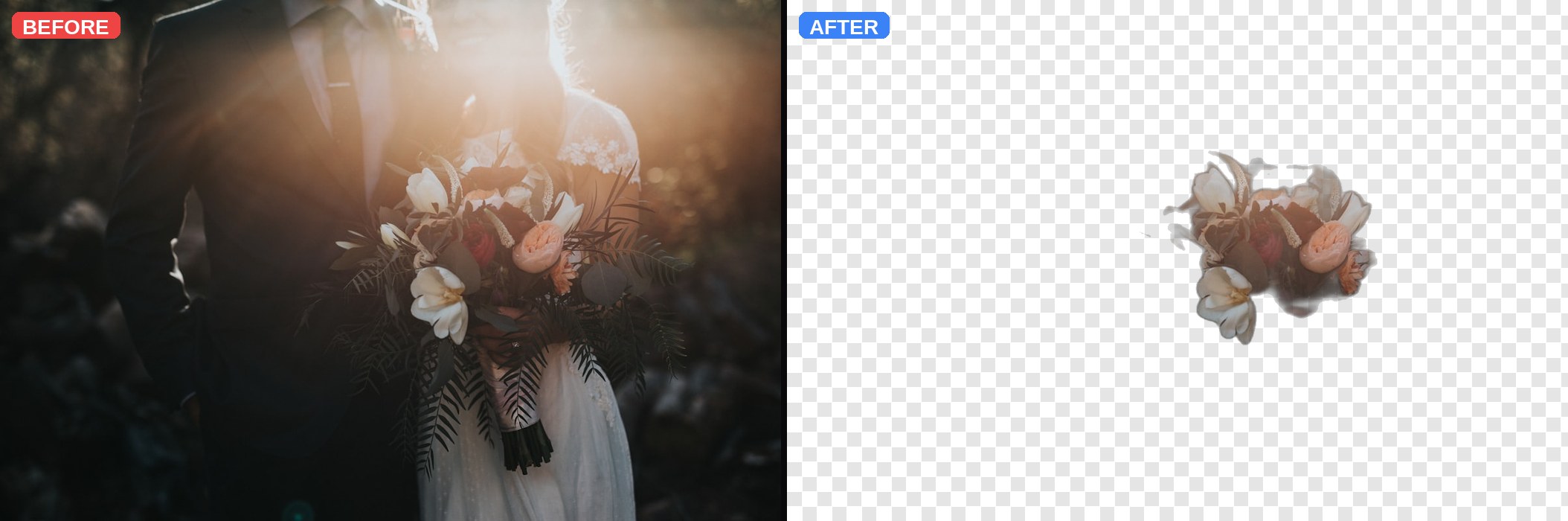
Clearpic processes 5 images in parallel. As soon as one finishes, the next one starts. For 100 photos, that means roughly 20 batches × 1-3 seconds each = under 5 minutes total, and you can walk away or start downloading the finished ones as they come in.
Download everything as a ZIP
When at least one image finishes, the 'Download All (N) ZIP' button lights up. Click it and every completed cutout drops into a single zip file named clearpic_batch_<timestamp>.zip. Each file is renamed <original>_clearpic.png so you can slot them into your catalog immediately.
What if one fails?
Occasionally an image errors out — bad format, oversized file, or a rare server hiccup. That card shows a red 'Failed' pill and a Retry link. Click Retry to re-run just that one file. The rest of the batch keeps flowing.
Real-world use cases
• Shopify sellers with 500 SKUs prepping product pages. • Real-estate agents cleaning up listing photos. • Photographers delivering wedding shoots. • Marketing teams building holiday campaigns. Anyone who used to spend a whole afternoon on cutouts now gets it done during a coffee break.
Try Clearpic now — free, no signup
Upload any photo and get a clean, background-free PNG in about a second.
Remove a background